Your website may appear in an AI-generated search answer and still receive fewer clicks than it did before. Or it may attract fewer visits but generate more enquiries from the people who do arrive.
Those two outcomes require different responses from an SEO team.
Google explains in its official guidance on AI features in Search that traffic from AI Overviews and AI Mode is included in the overall Web search data in Search Console. Google Analytics can then help teams understand what visitors do after reaching a website.
The challenge is connecting these reports without treating every change in traffic as proof that AI search is helping or hurting a business.
How do you track AI search traffic in GA4?
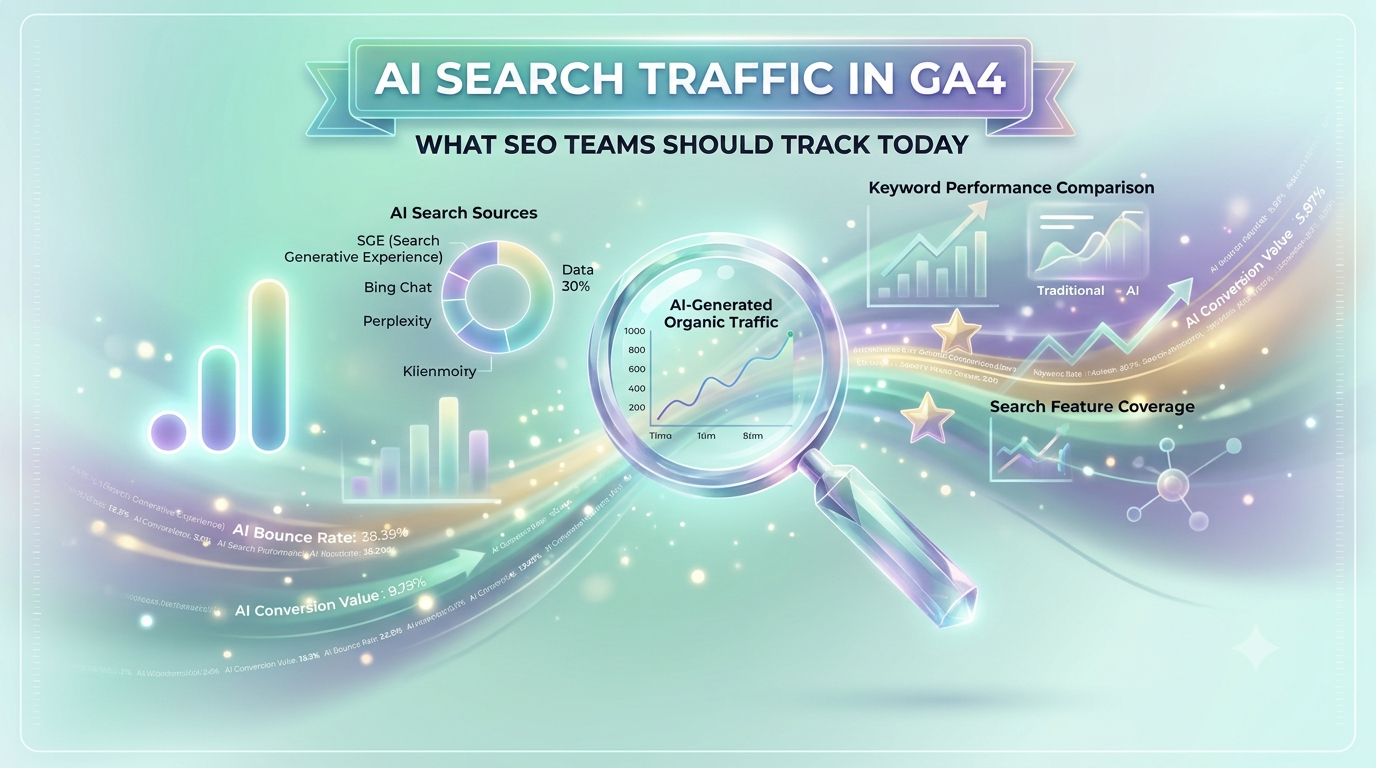
Google Analytics 4 does not provide a single, complete report that separates every visit influenced by AI search from every other visit.
Instead, you need to examine traffic sources, landing pages, user behaviour and conversions. You may also need referral data from individual AI platforms.
Start with the GA4 Traffic acquisition report. It shows where sessions come from and lets you examine source and medium data.
Open Reports, select Acquisition, then Traffic acquisition. Review Session source, Session medium and Session source / medium.
Look for identifiable referrals from AI tools. Depending on how a platform sends visitors, its name may appear as the source with a referral medium.
Do not assume every AI-influenced visit will be labelled this way. A user may discover your brand in an AI answer, open a new browser tab and type your website address directly. That visit may appear as direct traffic rather than an AI referral.
This means referral data can show part of the picture, not the full influence of AI search.
5 metrics SEO teams should track
1. Organic search clicks and impressions
Use Google Search Console to track clicks, impressions, click-through rate, and average position.
These metrics help you see whether your pages are appearing in search results and whether users are clicking through. They are particularly useful when you compare the performance of important pages over time.
Google’s AI search documentation confirms that AI Overviews and AI Mode activity is included in the overall Web search reporting.
That means you should not expect a separate, complete AI traffic figure in the standard Search Console Performance report.
Look for changes in the queries and pages that matter to your business. If impressions rise while clicks fall, investigate the affected searches before deciding what happened.
2. AI platform referrals
In GA4, examine sessions from identifiable AI platforms.
Create an exploration or report that groups relevant sources together. You can use a regular expression or a custom channel group if your reporting setup supports it.
Keep the original source values available. Grouping every AI-related platform under one label may simplify reporting, but it can hide differences in user behaviour.
For example, visitors from an AI assistant that recommends a product may behave differently from visitors who use an AI search tool to research a general topic.
Also check how referral exclusions, redirects, and tracking settings affect the data. A missing source label does not always mean a visit had no AI influence.
3. Engagement on landing pages
A visit alone does not tell you whether the page helped someone.
Review engagement rate, average engagement time, and the next steps users take. Look at these metrics for individual landing pages and traffic sources.
Suppose an AI referral sends visitors to a technical guide. If they spend time reading the page and then visit your pricing page, that may be a useful path even if the initial visit does not produce a lead.
By contrast, a large rise in short visits to a page that does not answer the user’s question may point to a content problem.
Use the data to investigate. Do not treat engagement time as a direct measure of content quality because user intent and page purpose affect it.
4. Leads, sales and other conversions
This is where SEO reporting becomes useful to the business.
Configure GA4 key events for actions such as form submissions, purchases, demo requests and qualified enquiries. Make sure events fire correctly and record relevant values where appropriate.
Then compare conversions across organic search, AI referrals and other channels.
A B2B website may receive a small number of AI referral visits but generate several valuable sales enquiries. An e-commerce store may see more visits from one source but a lower purchase rate.
The right interpretation depends on your business model and the quality of the outcomes.
5. Returning users and assisted journeys
AI search may influence a buyer before the final website visit.
Someone might discover a company through an AI answer, return through a branded Google search, and then submit a form days later. If you only inspect the final session, you may miss part of that journey.
Review returning users, landing-page paths and available attribution reports. Use consistent conversion definitions so that comparisons remain meaningful.
Attribution is not perfect. Different tools use different methods to count users, sessions, and conversions. Google explains these differences in its guide to combining Search Console and Analytics data.
How to separate AI search impact from normal SEO changes
Do not compare a single week with the previous week and immediately credit AI search for the change.
Start with a clear baseline. Compare similar periods and account for seasonality, promotions, algorithm updates, and changes to the website.
Next, choose a group of important pages. Track their Search Console impressions and clicks alongside GA4 sessions, engagement, and conversions.
Review identifiable AI referrals separately. This can reveal direct traffic from AI platforms, but it will not capture every user who saw your brand in an AI-generated answer.
You can also compare branded and non-branded search performance. A rise in branded queries may indicate growing awareness, though other marketing activity can cause the same pattern.
Keep a record of major changes. If you update product pages, launch a campaign, and redesign your site during the same week, it becomes harder to identify which change affected performance.
What if AI search traffic is missing from GA4?
First, confirm that GA4 is collecting data correctly. Test the relevant landing pages, check your reports, and inspect source information for individual sessions.
Next, check whether AI platforms send referral information and whether your site redirects visitors in ways that remove it.
Review your campaign tagging as well. Google’s traffic-source documentation explains how source, medium, and campaign dimensions support attribution.
Do not assign an AI source to direct traffic simply because you suspect that AI search caused it. That would turn an estimate into false certainty.
If you need a broader view, combine available referral data with Search Console trends, conversion paths, and customer research. Ask leads how they first heard about your company. The answer may reveal discovery paths that analytics cannot identify.
Should SEO teams create a separate AI search dashboard?
A separate dashboard can help if AI search is an important part of your acquisition strategy. It should not replace your main SEO report.
Include organic search clicks, impressions, landing-page performance, identifiable AI referrals, conversions, and revenue where available. Label the limits of each metric so that decision-makers understand what the numbers do and do not show.
Most importantly, keep business outcomes in view. A rise in AI referrals is not automatically a win, and a fall in traditional organic sessions does not automatically mean your content has lost value.
The goal is to understand how people discover your site, what they do after arriving, and whether those visits contribute to business results.
Leave a Reply